Classrooms
Open a classroom
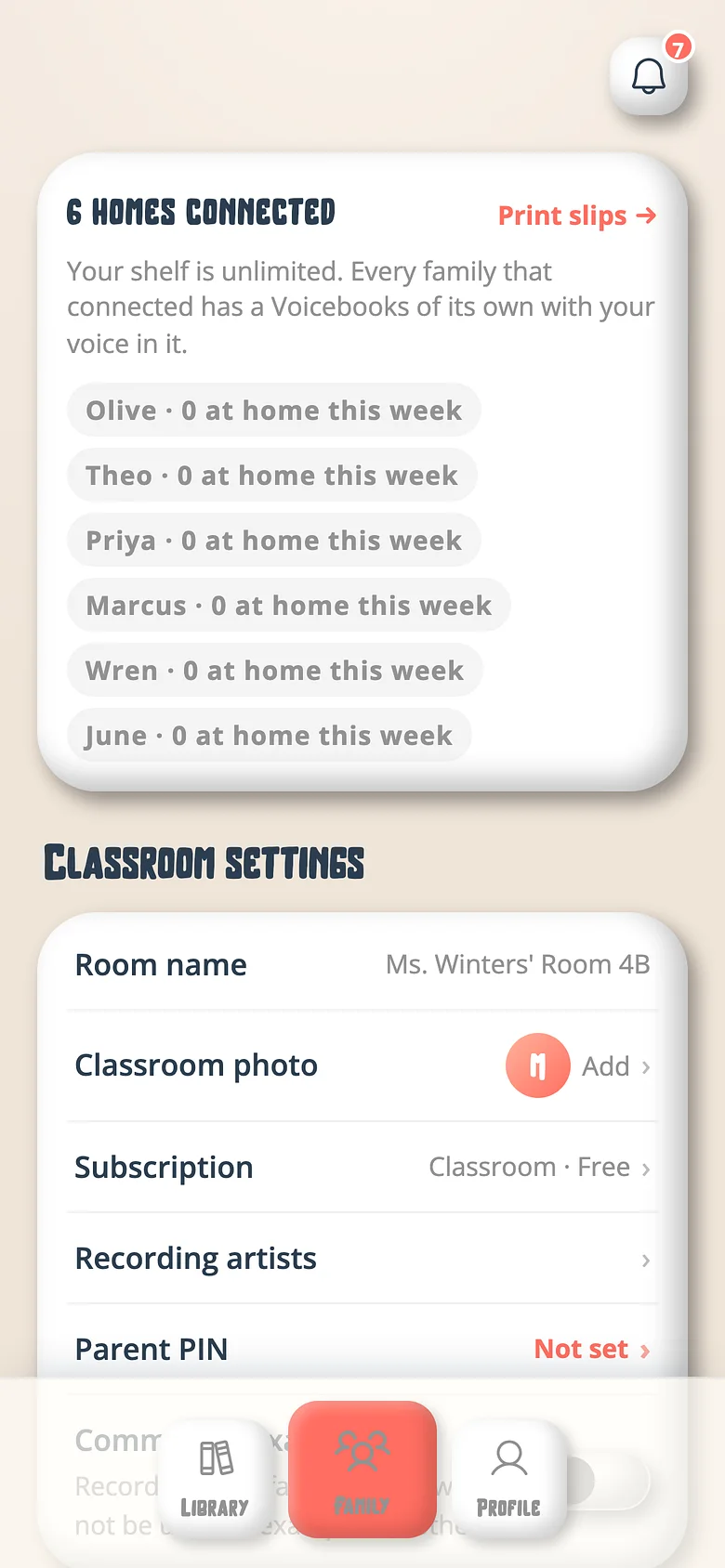
A classroom is a family with a classroom attached — free, ten books to start, unlimited once five homes connect.
-
Sign up as a classroom
Choose Classroom at signup. The wizard asks for the class's name and yours. -
Add the seats
One per child, first names only. No child ever has an account. -
Record
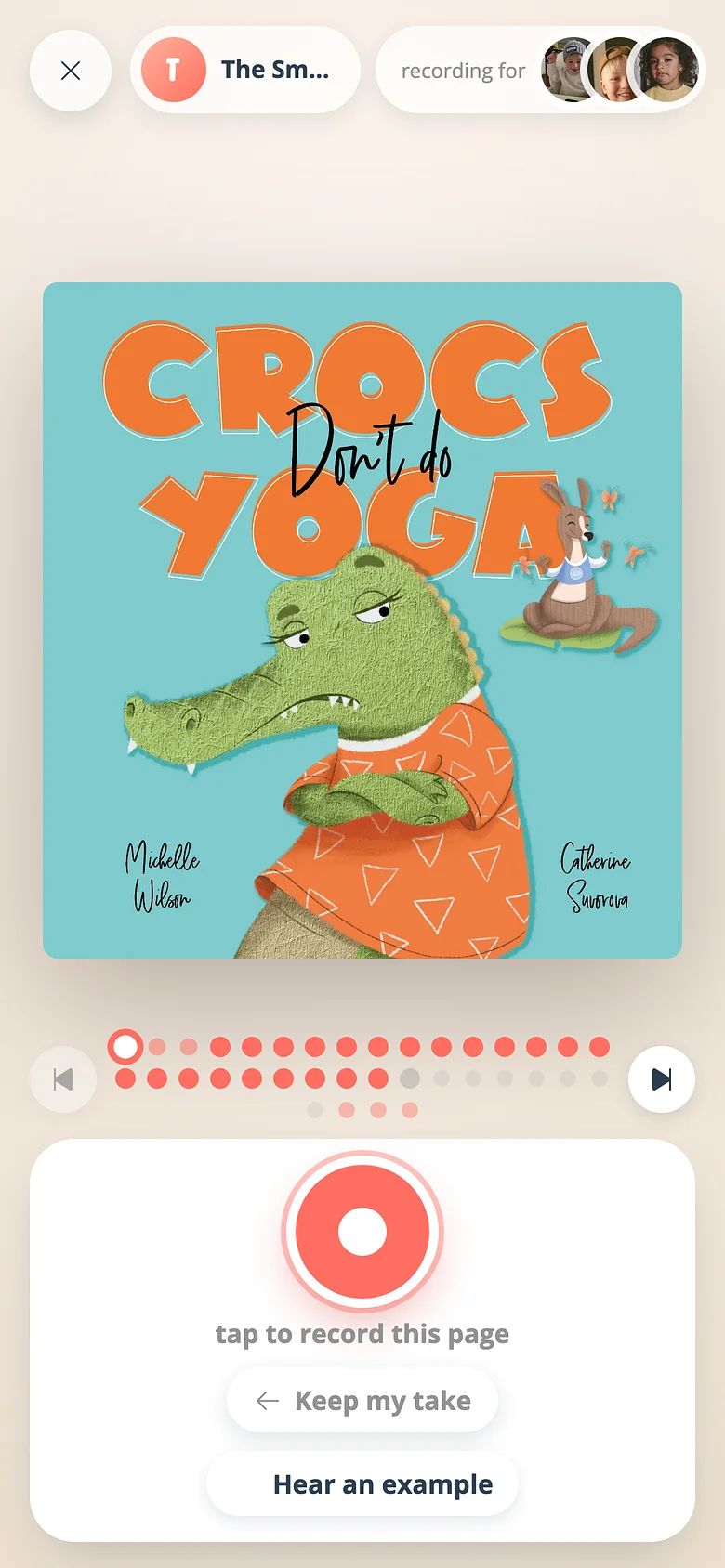
The books you're reading this term, in your voice. Invite the assistant and the librarian to read too.
Good to know
- Five distinct homes connected through slips and the ten-book shelf becomes unlimited.
Try it with a real book
Free to start. The first page takes a minute.