Recording
Open a book to your recording artists
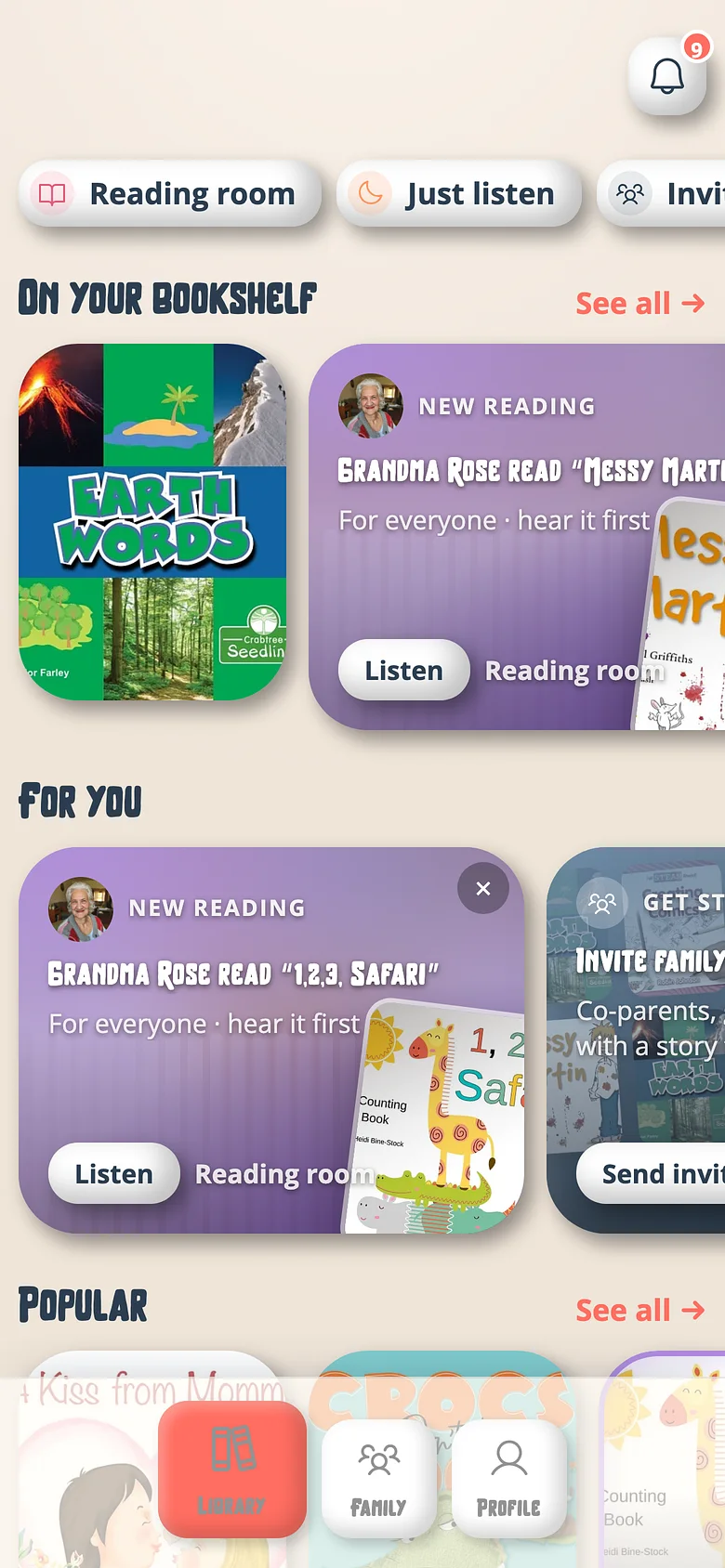
The shelf is the artists' permission list. A book on it is a book anyone in the family can record.
-
Find the book in the catalog
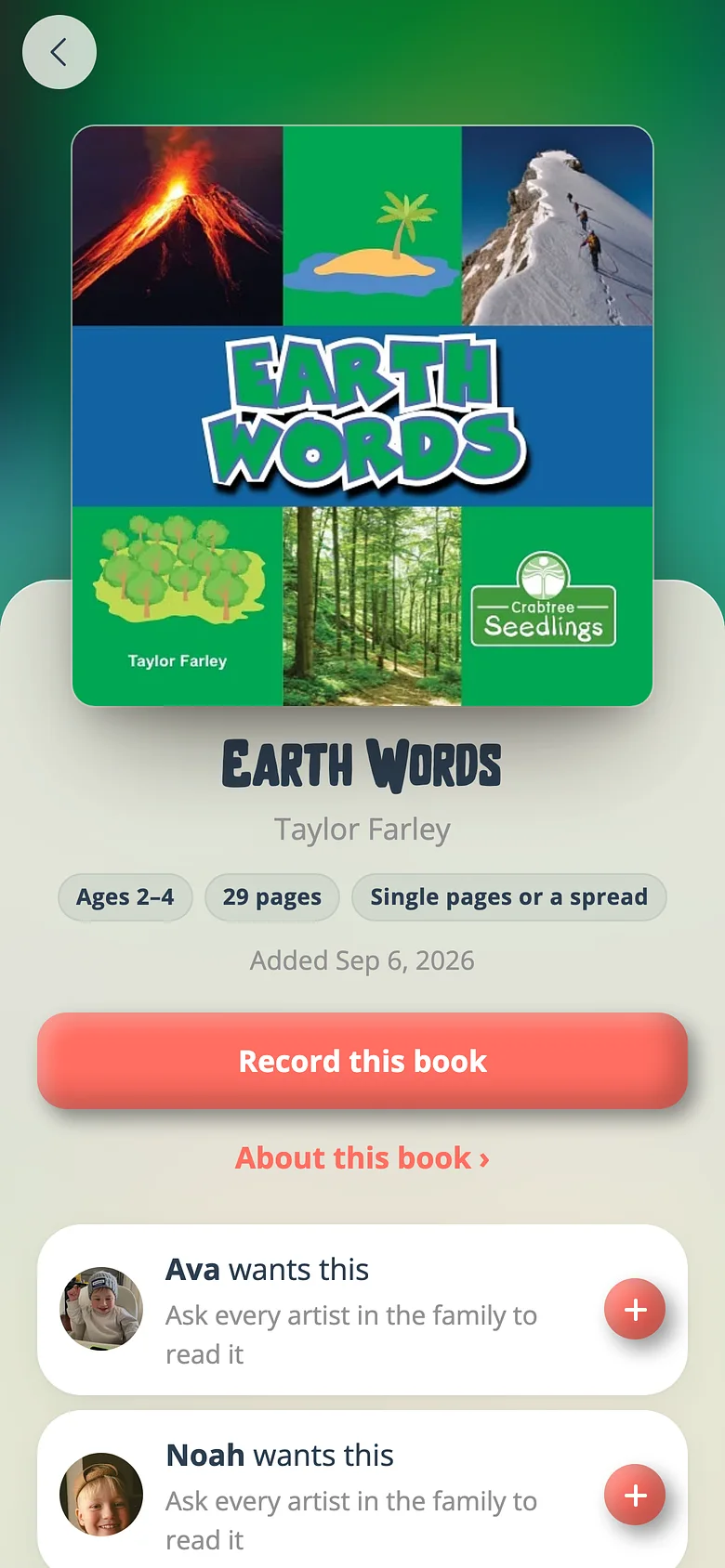
An admin's primary button is Record this book. When there's another grown-up in the family, a second link rides under it — Add to the bookshelf without recording. -
Add it
Tap that link. The book is on the shelf; every recording artist can see it and record it. It counts as one of the shelf's books. -
Or answer an ask
Artists can ask for a book from the catalog themselves. The ask lands in your inbox and on the book; approving it shelves the book.
Good to know
- Alone in a family, an admin never sees the word "bookshelf" — recording is the only door, because the shelf grants nobody anything.
Next
Invite Grandma and Grandpa to record
People are always free. An invitation is an email; whoever opens it is a recording artist for your family.
Read the guideAdd another admin
Admins run the family — shelf, plan, PIN, invitations. Recording artists only record. Both are free and unlimited.
Read the guideTry it with a real book
Free to start. The first page takes a minute.